Own favorites & order
Everyone gets their own favorites, order, theme & density over one shared catalog — not one config for the whole house.
A self-hosted, multi-tenant home dashboard PWA. Every service in one glass grid, live status without leaking your network, and a personal view for everyone under one roof.
homepad@gethomepad.dev·homepad1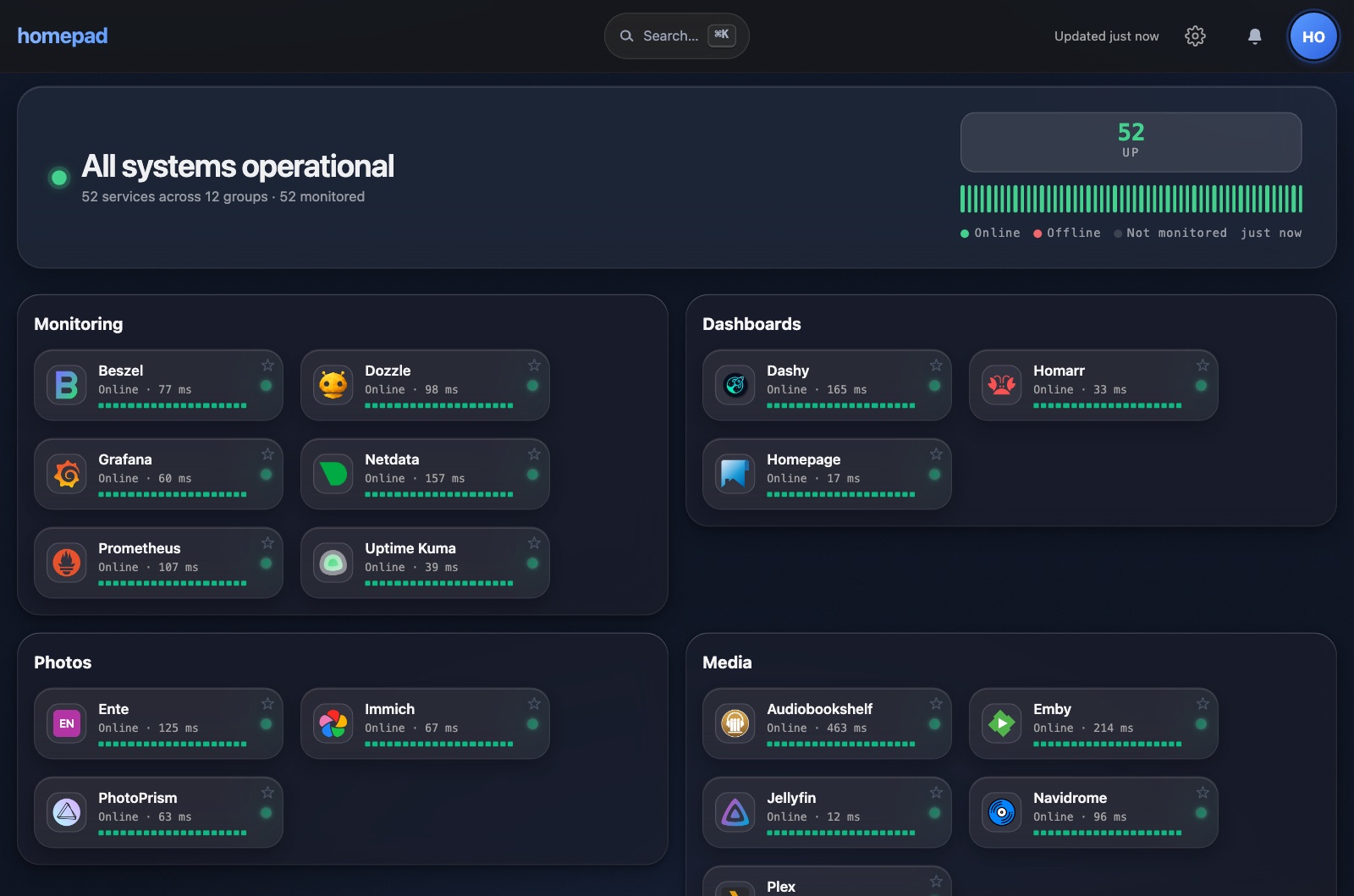
One shared catalog; each person gets their own favorites, order, and click action. Live health per tile, in-browser admin editing, and it installs like a native app.
Everyone gets their own favorites, order, theme & density over one shared catalog — not one config for the whole house.
Live UP/DEGRADED/DOWN from Gatus, resolved server-side. Internal hostnames never reach the browser.
PocketID or any OIDC built in — PKCE, JWKS, admin group claims. No reverse-proxy bolt-on.
Home-screen install, 44px targets, glass in light & dark. Built for the family iPad.
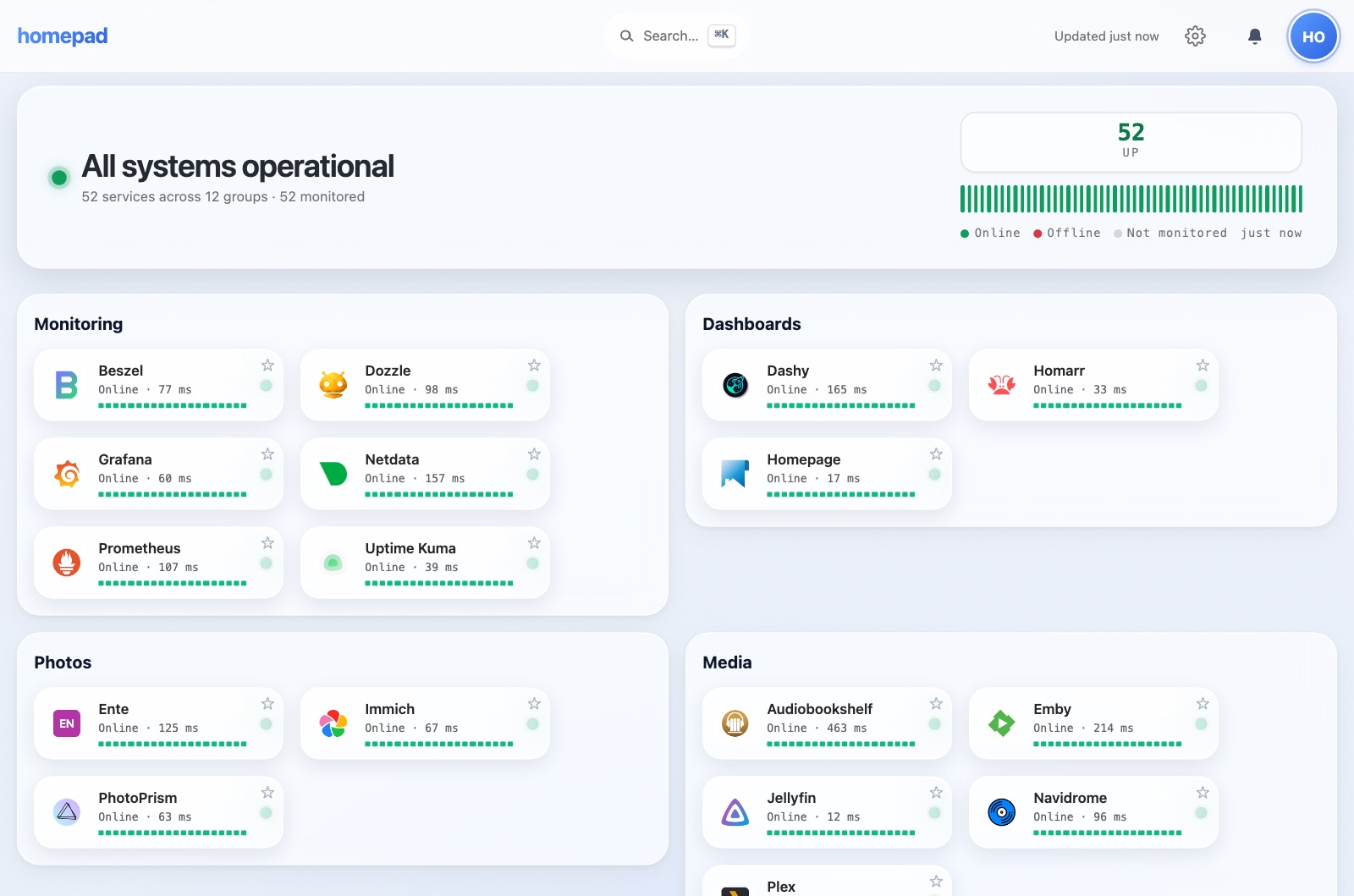
One shared catalog, organized into sections with instant ⌘K search. Each tile shows its live status at a glance.
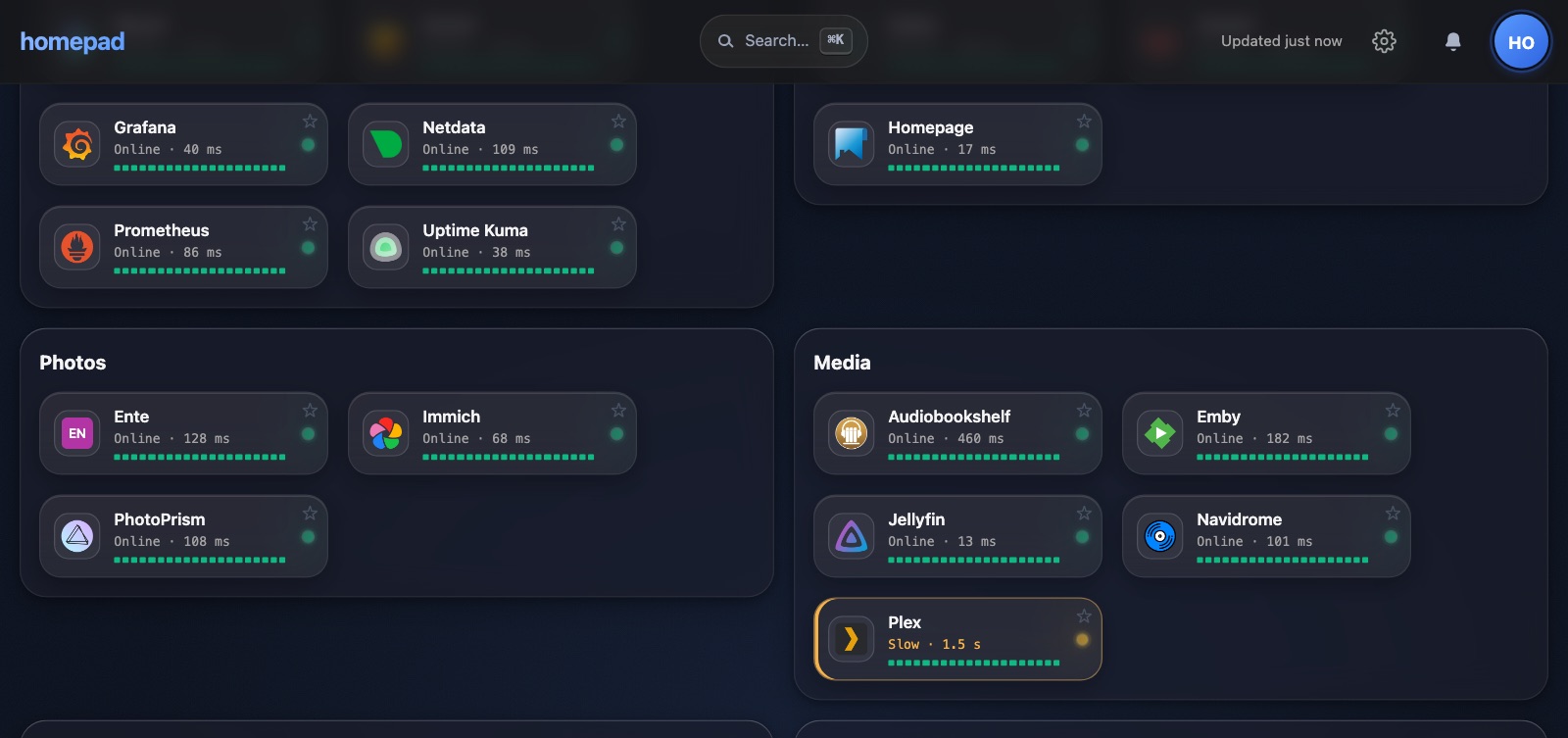
UP / DEGRADED / DOWN resolved on the server from Gatus. Your internal hostnames never reach the browser.
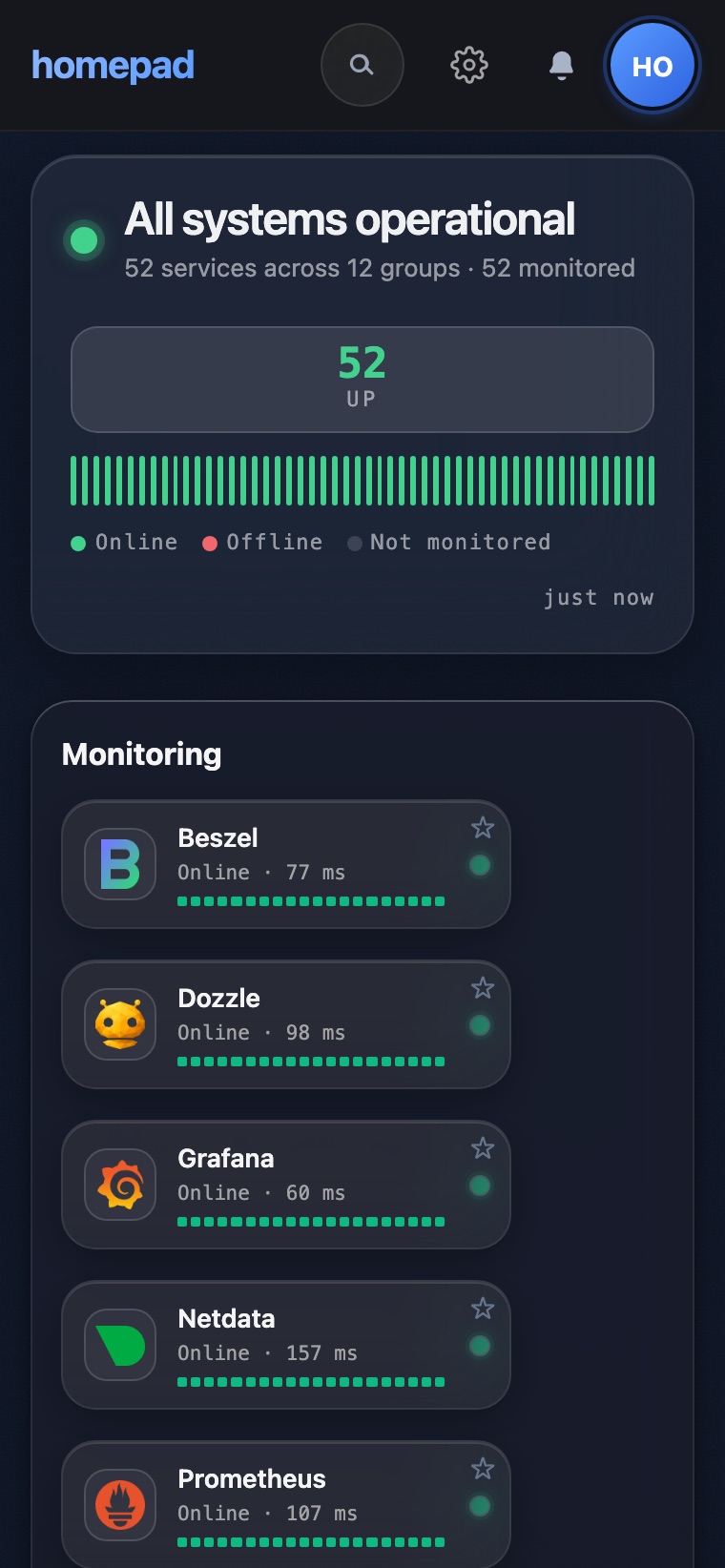
A real PWA: add to home screen, 44px targets, glass in light and dark. Built for the family iPad and phone.
| Homepad | Homepage | Homarr | Dashy | Heimdall | |
|---|---|---|---|---|---|
| Per-user views | ✓ | ✕ | ⚠ | ✕ | ✕ |
| Server-side status | ✓ | ⚠ | ⚠ | ⚠ | ✕ |
| Native OIDC login | ✓ | ✕ | ⚠ | ✕ | ✕ |
| Installable PWA | ✓ | ✕ | ✕ | ⚠ | ✕ |
Want 100+ live service widgets? Homepage does that best — and pairs happily next to Homepad. We optimize for the household, not the metric wall.
$ mkdir homepad && cd homepad$ curl -fsSLO https://gethomepad.dev/compose.yaml$ echo "POSTGRES_PASSWORD=$(openssl rand -hex 16)" > .env$ docker compose up -d
Then open http://localhost:8080. The first account you register is the admin. Images for amd64 and arm64.